
How to use Streamlabs with a Loupedeck
Streamlabs App works on the macro keypad Loupedeck

#sponsored
Tools Needed:
Loupedeck Hardware
Loupedeck Software
Streamlabs Desktop App
Streamlabs Account
How to connect Streamlabs to Loupedeck
In an earlier newsletter, I alluded to doing a tutorial on how to use Streamlabs with a Loupedeck. The Loupedeck I’ll be using for this tutorial is the CT. It’s the one with the dial. I really like using any macro keyboard to stream. This setup between these two streaming applications is great if your setup is smaller. Mine currently is while I’m readjusting. Instead of three monitors, I have one with my limited desk space it’s a good choice. I really can only fit the keyboard, a mouse, and a macro keyboard – my Loupedeck. Let’s get started.
Connecting Streamlabs & Loupedeck isn't difficult, it's customizing up each individual software to your liking. I'll be showing you how to connect the software on my Loupedeck CT. The CT is larger than the Loupedeck S and the Live. It has a dial for easing editing and navigation.
First things first,
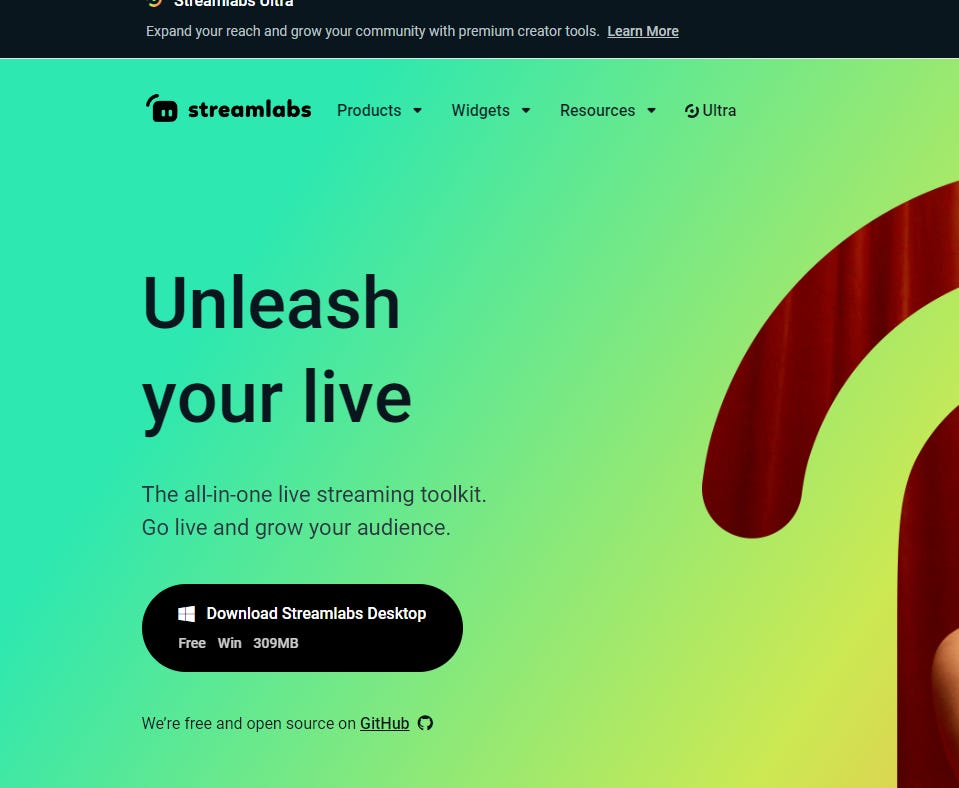
Go to Streamlabs.com and download Streamlabs Desktop
Plug in Loupedeck
Open Streamlabs Desktop & Loupedeck App
*It's important to have your Streamlabs open because Loupedeck will not recognize the plugin. Streamlabs doesn’t need to be open all the time, just to set this part up.*
When Streamlabs is downloaded, Loupedeck will recognize it as an application.
Configure your Loupedeck and Streamlabs settings as you see fit. This may take some time, but it’s helpful to have scenes, sources, and alert box setup to input commands in the Loupdeck.
My Loupedeck consits of a Streaming Workspace. I can open that workspace from the first page of my Loupedeck CT.
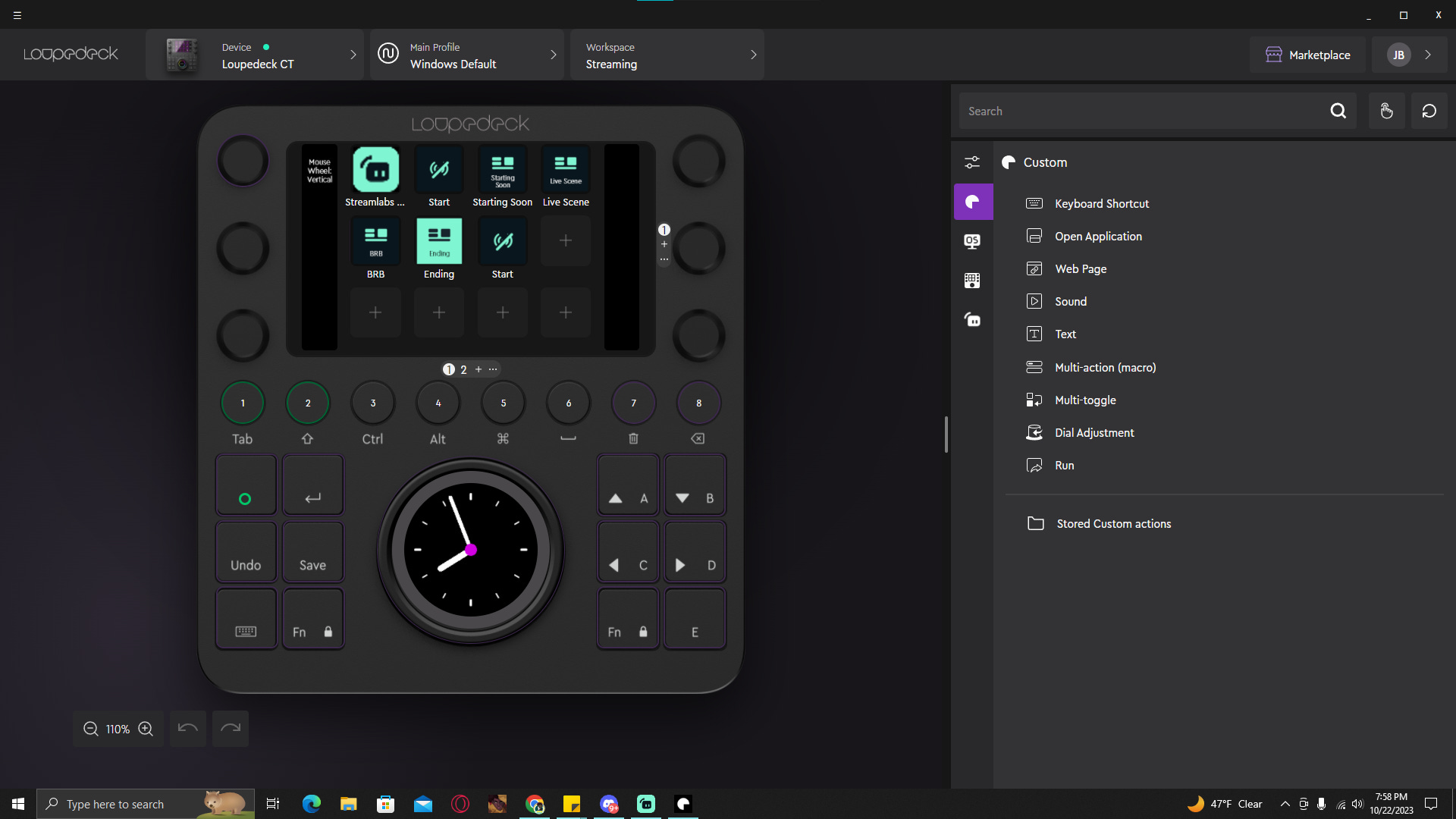
Since this tutorial is a bit long for email. Please check it out on Medium.com
GIVEAWAY!
I’m giving away 7 codes to a year’s worth of Streamlabs Ultra during my stream. For 7 days I’ll giveaway one code a day.
This is the full version of my newsletter A Little Tech Alotta Gamer — subscribe to get articles, reviews, and tips straight to your email — Junae.Substack.com
Like & subscribe to my Substack, Youtube, Twitch, & Facebook pages because I’m going to be gonna go live to show ya’ll some new stuff. And join the Discord. I’m going to be starting my writing classes soon!